group

In many small businesses, part of every week disappears into tasks nobody chose: copying an enquiry into a spreadsheet, chasing a quote, sending an invoice, confirming an appointment, pulling figures together for Monday’s meeting. One by one, they look harmless. Added up, they crowd out the work that actually moves the business forward.
Automating, in this sense, means handing tools what they do better than we do: repeating without forgetting, on time, without typos. Your team keeps everything that needs judgement. The trick is picking the right tasks and tackling them in the right order, without building a monster.
What is worth automating
A task is a good candidate when it comes round often, always follows the same rules and is costly to forget. Chasing an unpaid invoice ticks all three boxes. A sales negotiation ticks none.
Beware of fuzzy processes: automating a way of working that changes every day only speeds up the mess. Before you plug in a tool, write the rule down. Who triggers it, what information flows, who receives what, and what happens when there is an exception?
- Does the task come round every week, or even every day?
- Does it follow stable rules that can be written down?
- Does forgetting it, or getting it wrong, have a real cost?
- Does the information it needs already exist somewhere?
Quotes, invoices and payment reminders
This is often the first project, because it goes straight to cash flow. A quote can be generated from a template and your price list, numbered automatically and sent for e-signature. Once signed, it becomes an invoice with no re-keying, along with a payment link if your business suits it.
Reminders follow the same logic. An unanswered quote triggers a polite nudge after a few days, then an alert so that a person picks up the phone. An overdue invoice gets a courteous reminder, then a firmer one. The messages are written once, carefully and in your own voice, then go out exactly when planned.
If you trade in France, the gradual roll-out of mandatory e-invoicing between businesses is a good moment to review this whole chain. Check with your accountant which timetable applies to you and which platform you will use.
Bookings and reminders
The back-and-forth of finding a slot wastes time on both sides. A booking tool connected to your calendar shows your real availability, holds the slot and sends the confirmation. The day before, an email or text reminder cuts no-shows, with a link to reschedule rather than simply not turning up.
You can go further: a short questionnaire before the appointment, directions and access details sent automatically, a client record created as soon as the booking comes in. These service messages are not covered by direct-marketing rules. To send promotional offers by text or email to consumers, however, you generally need their prior consent.
Review requests and after-sales follow-up
Google reviews weigh on your future clients’ choices and on your local visibility. Yet many happy clients never leave one, simply because nobody asked.
A message sent at the end of the job, with a direct link to your Business Profile, solves most of the problem. Send it to all your clients, not only those you think are happy: Google forbids filtering requests to collect only positive reviews. Our article on local SEO (in French) covers the subject in detail.
Reporting and keeping your tools in sync
If someone spends every Monday morning compiling figures from several pieces of software, take it as a warning sign. A dashboard fed automatically (sales, enquiries received and where they came from, pending quotes, unpaid invoices) gives the same information with no effort and no copy-paste errors.
The same principle applies to how data moves around. An enquiry comes in through the website form: it should create the contact in your CRM, alert the right person and, if a quote follows, feed into invoicing. Integration services such as Make, Zapier or n8n connect most of the software on the market.
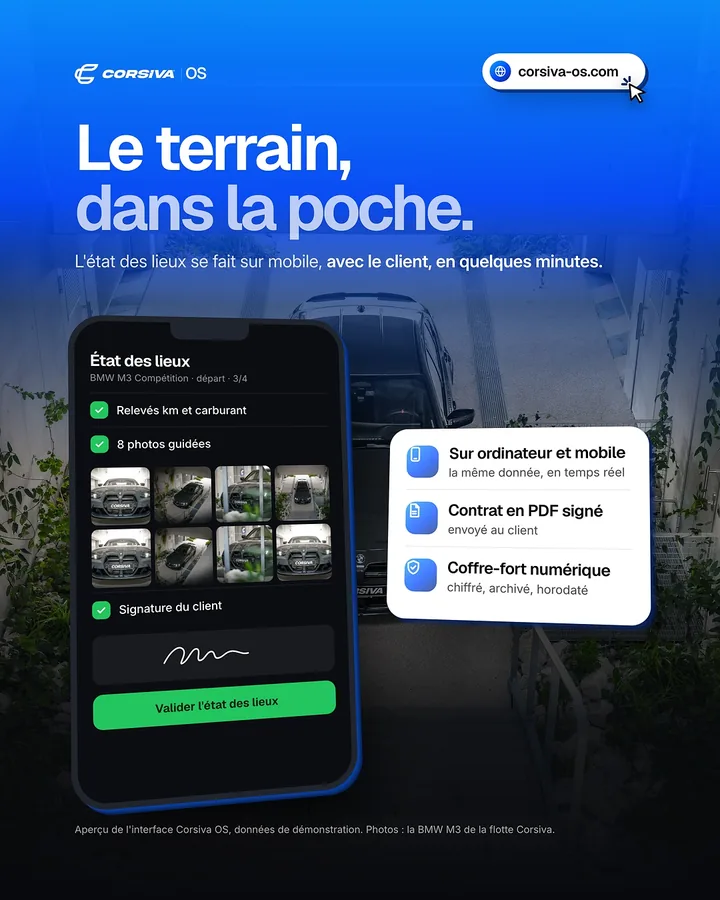
When your needs go beyond what they can do, a custom-built tool takes over. That is the thinking behind Corsiva OS, management software designed for rental companies.
AI assistants: one tool among many
Assistants built on artificial intelligence do specific jobs well: sorting incoming emails, summarising a long request, drafting a first reply, pulling the key information out of a document. They replace neither your rules nor your judgement.
Their limits are well known. They can be wrong with great confidence, and the data you give them is not always handled the way you imagine. Keep human sign-off on anything that commits the business, such as a price, a term or a reply in a dispute, and check the terms of use before feeding them client data.
Where to start
For a few weeks, note down repetitive tasks as they happen, along with the time they take and the errors they cause. Then tackle the one that combines high frequency with simple set-up: that is where the time saved shows fastest. One automation that works beats a grand project that stalls.
Every automation needs an owner, a short piece of documentation and an alert if it breaks. Software changes, connections drop, and a workflow that fails silently can do more damage than the manual task it replaced.
- List repetitive tasks and how often they happen
- Write the rule before choosing the tool
- Start with a single automation, test it, fine-tune it
- Tell your team and clients about changes that affect them
- Set up an alert for when a workflow fails
- Automate tasks that are frequent, rule-based and costly to forget.
- Quotes, reminders, bookings, invoices and review requests are the first candidates.
- Let data flow from one master tool to avoid entering it twice.
- AI assistants help sort and draft, with human sign-off.
- Every automation needs an owner and an alert when it breaks.
Frequently asked questions
Do I need technical skills to automate?
Not necessarily, but you do need to describe precisely what you do today. Many automations can be set up inside the software you already use, with no development. To connect several tools or build a custom one, expert support saves you from fragile set-ups.
Will automated reminders annoy my clients?
Not if they are well written and well paced. A courteous message, signed with your name and arriving at the right moment, comes across as good organisation. What annoys people is reminders sent too close together, or to someone who has already replied: the sequence must stop as soon as a reply comes in.
Off-the-shelf software or a custom tool: which should I choose?
Start with off-the-shelf software: it covers most everyday needs and keeps improving without you. Custom work makes sense when the way you work is a competitive edge that standard tools force you to give up, or when you are stacking subscriptions and workarounds for a clumsy result.
We review your tools and processes, then automate what is worth automating, starting with the simplest.